Deploy AI workloads on enterprise-grade GPU clusters with scalable performance, high availability, and cost-efficient infrastructure.
Access leading AI models through a unified API with intelligent routing, simplified billing, and seamless integration.
Flexible financing solutions for GPU servers, AI hardware, and data center expansion — built for growing AI businesses.
Prices set by supply and demand across 20,000+ GPUs. Transparent. Programmatically queryable.
Access 300+ LLMs through a single OpenAI-compatible endpoint. Smart routing, automatic failover, one bill.
Swap one base URL and instantly reach models from every major lab — no per-provider SDKs, no separate accounts.
Requests are routed across upstream providers for the best price and latency, with automatic failover when a provider goes down.
Per-token pricing with no subscriptions or markups on idle time. Track spend across all models from a single dashboard.

Filter every offer on 20+ fields, launch the one that fits with your image and disk, and SSH in the moment it boots.
Query offers by GPU model, VRAM, price, reliability, region or interconnect, then sort by dollars-per-hour or performance-per-dollar. The CLI and SDK share one query syntax, so a filter you tuned in the shell drops straight into a script.
pip install linkhome ships the CLI and the Python SDK together; a static binary covers CI runners with no Python. LINKHOME_API_KEY authenticates without a config file, and --raw turns any command's output into JSON you can pipe.
Bring any public or private registry image, set disk size, pass environment variables and expose ports at launch. Add --ssh --direct for a root SSH endpoint or --jupyter for a signed notebook URL; in Python, wait_for() blocks until the instance reports running.
Volumes are what you choose to keep: create one in a region you pick, attach it at launch, and datasets and checkpoints are waiting for the next run. linkhome copy moves files to and from your machine, or straight between two instances.
linkhome show instances lists what's running and its $/hr, linkhome logs streams output, and linkhome destroy instance stops billing and prints the total. In Python, stream_logs() and destroy_instance() do the same.

Reserve a block of nodes for the term: pick the generation and node count, launch from a ready-made image, and drive the run from the CLI or SDK.
Match the block to the model. Blackwell B200 (192GB), Hopper H200 or H100 SXM when the run needs throughput; Ada L40S or Ampere A100 when it needs volume. H200 and B200 are the cards teams reserve most.
Start from a working image, not a Dockerfile. Launch every node from PyTorch, TensorFlow or vLLM, or from your private registry. Pass secrets as env vars, mount a volume for the dataset, and get SSH plus a signed Jupyter URL back.
Script the run end to end. Launch, stream logs and monitor nodes from the linkhome CLI or a few lines of Python. linkhome copy moves datasets and checkpoints between nodes or to your machine, and --raw returns JSON your CI can parse.
Every machine's uptime is measured continuously and decides where it ranks in search; reliability>0.99 is a filter you can set yourself. For a reserved block, availability and response are written into the SLA rather than left to the market.
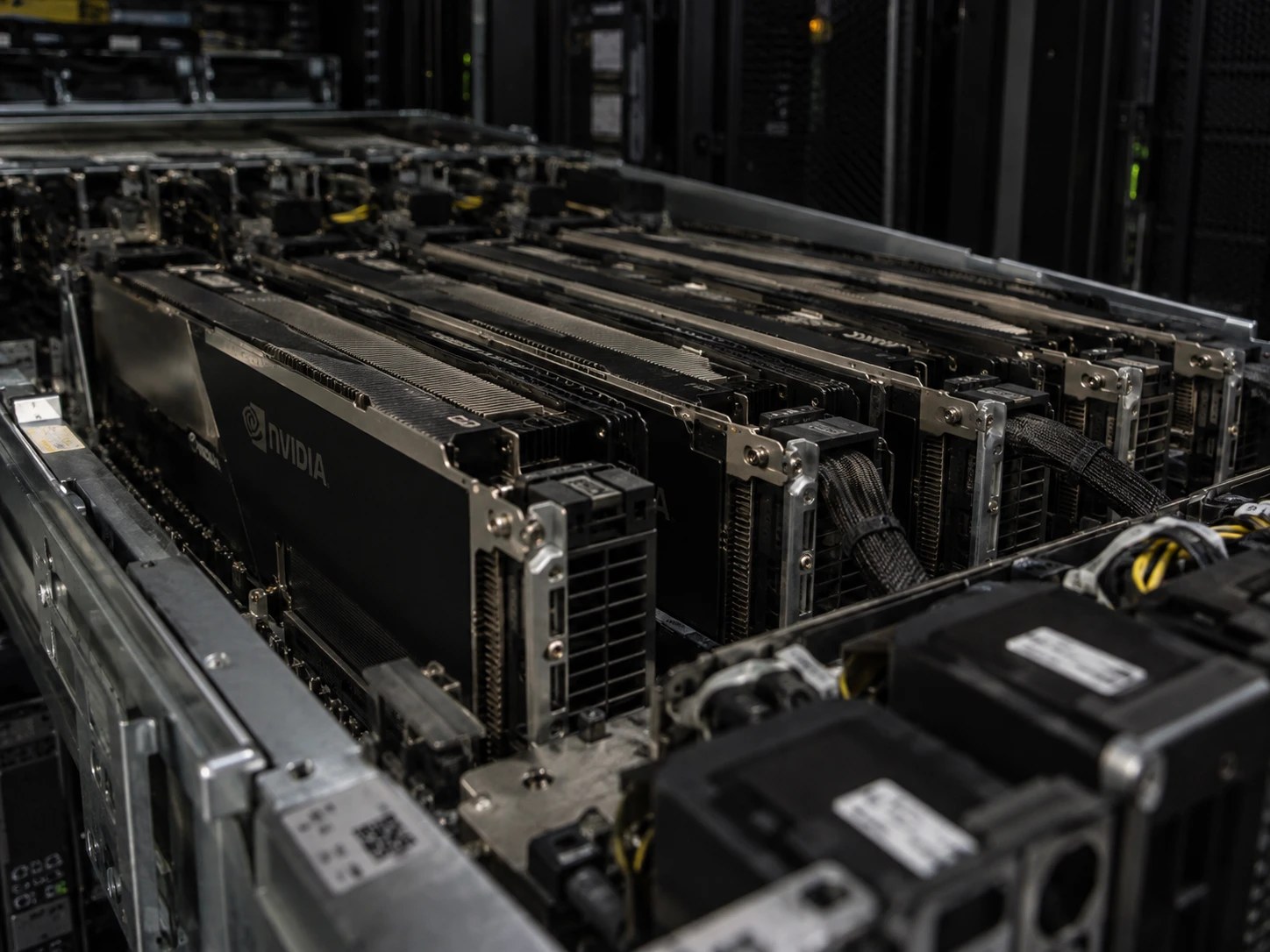
Call a hosted model through the gateway, run your own container on workers that scale to zero, or rent the whole GPU — one account covers all three.
Pick a model ID, pay per token, hold no hardware. The right tier when the weights are someone else's and traffic is too spiky to keep a card warm. When the weights are yours, you want one of the next three.
Put your container — vLLM, TGI, ComfyUI or a private-registry image — behind an endpoint. Workers start when requests arrive and stop when the queue empties; idle_timeout=120 reclaims them after two quiet minutes. Per second at the marketplace rate, no serverless surcharge.
Mix worker groups behind one endpoint: 4090s take the cheap, high-volume calls and H200s take the heavy ones, each group with its own floor, ceiling and scaling rule. Pin it to a region when the data can't leave it.
Serve your own weights on an isolated instance: root access, direct SSH, any Docker image, no shared containers. Pick from 20,000+ cards — RTX 4090, H200, B200 and more — and have one running in 60 seconds. Per-second billing, $5 minimum.
pip install linkhome ships the SDK and CLI together. chat.completions.create() calls the gateway; serverless.create_endpoint() and launch_instance() provision the GPUs — one client, one key across all three.
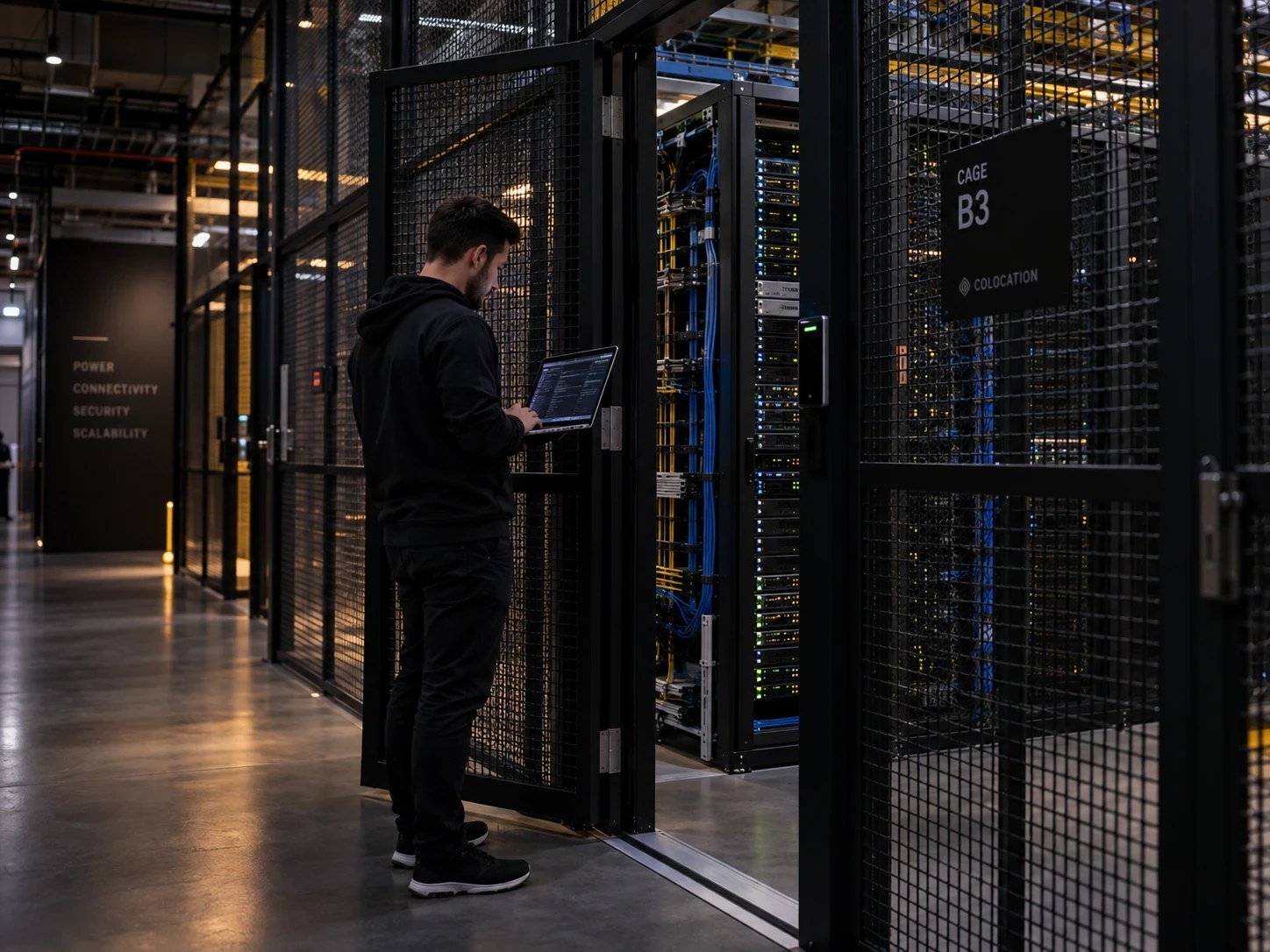
Isolated hardware, a region you choose, keys you can revoke, and data that leaves when you say — the controls stay with you.
Root in your own box over direct SSH, with no container sharing between tenants and no noisy neighbours on your card. You control the whole environment: the image, the environment variables, the ports you expose, the volumes you mount.
Delete models, data and workloads when you choose; nothing persists on an instance after you tear it down. Anything you want to keep goes on a volume you control, and it stays until you delete it.
Pin workloads to a region or a named facility when residency or latency decides where data can sit. Region is a filter on every marketplace search, and for a specific compliance regime you can talk to us about facility selection.
Issue a separate key per team or environment, each with its own spend cap, and revoke one without touching the rest. Keys are managed from the same CLI as instances and billing, so issuing and revoking one is a scripted step.
Real people answer, not a bot loop. Higher tiers add onboarding, architecture review and guaranteed response times, and a reserved cluster comes with a named contact and written terms on availability and response.
Tell us about your workload. Our team will get back to you within one business day.
 Linkhome AI